

There are about 2.3 billion children in the world. Santa can’t manage his Nice list all by himself. But he can count on his elves to lend a hand! Jolly, Holly, and all the others! And thankfully, they use a CRM (Children Relationship Management) . Let’s take a look at how they’ve set that up.
Santa’s needs are pretty straightforward. He wants to:
• See a list of all the nice kids
• See who added each child to the Nice list
• See at a glance, right on the child’s record, whether they’re nice or not
To make that happen, a brand-new object is being added to the data model. It links Child to the Elf, and it stores the crucial info of which elf added the child to the Nice List. And yes, multiple elves can add the same child if they’ve been really, really good. (Overachievers get extra glitter.)
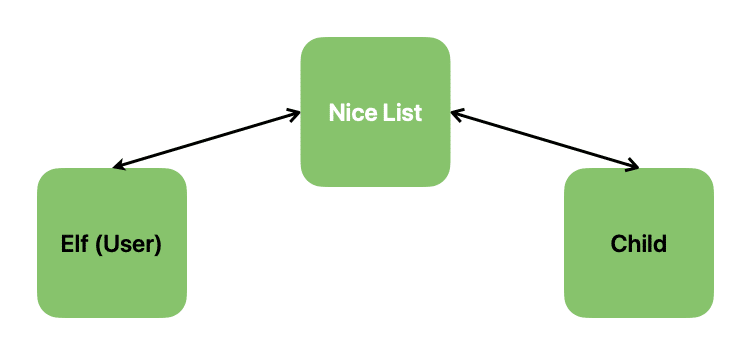
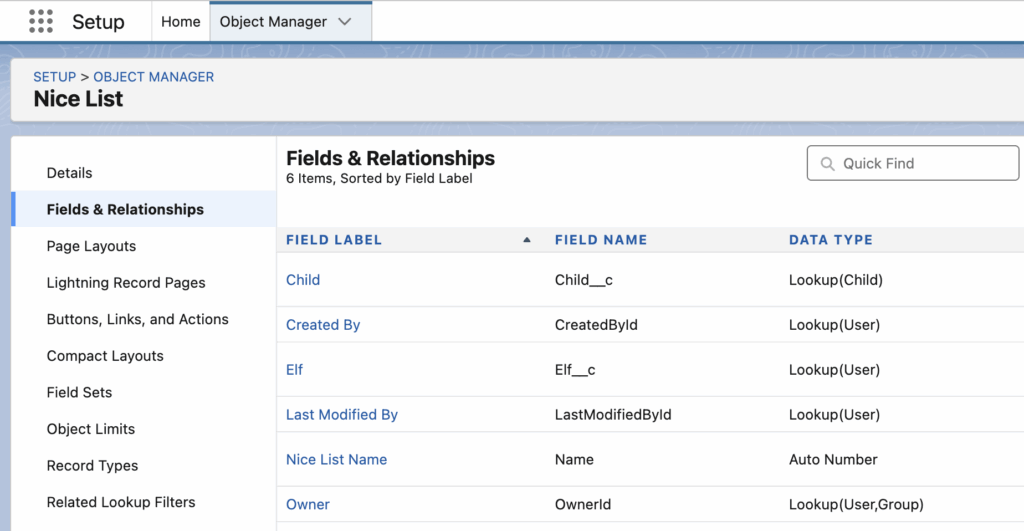
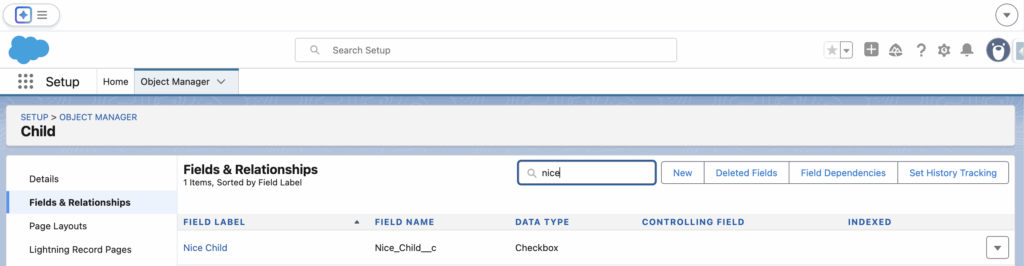
The Nice List junction object has been created, and the required field has been added to the Child object as follows:
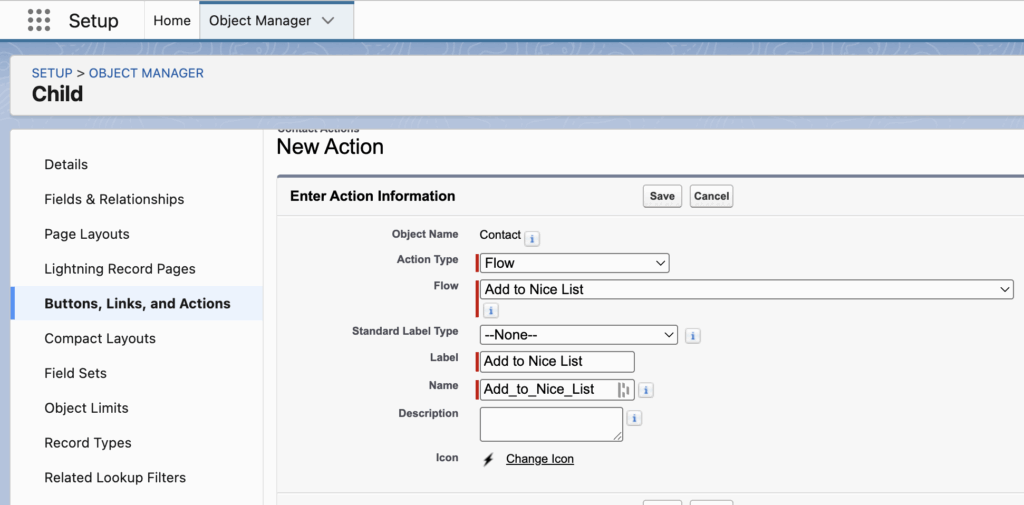
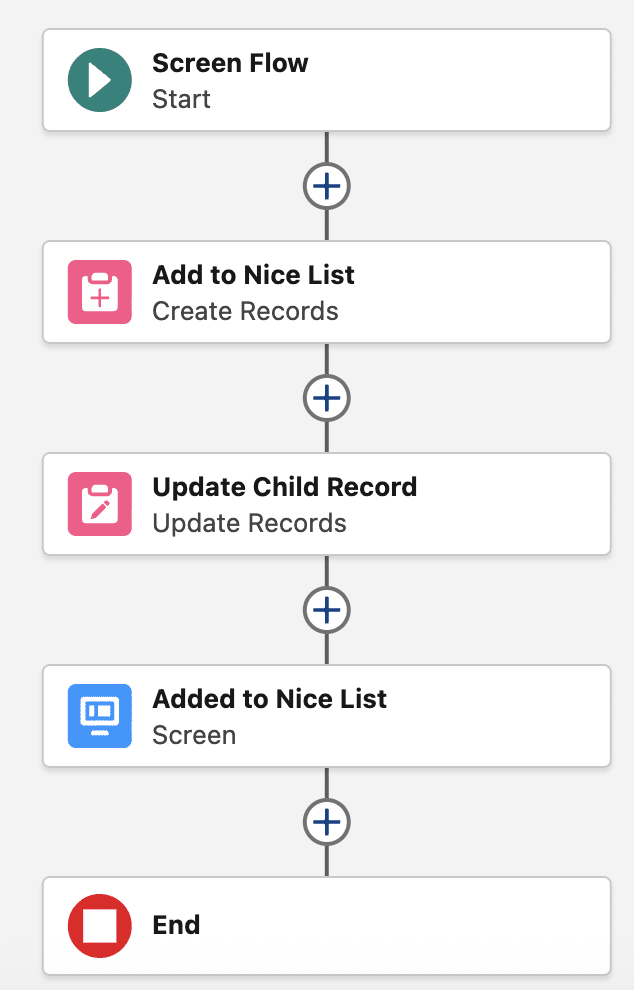
To make things as simple and fast as possible for the elves (and yes, 2.3 billion is a lot of kids to process), the “Add to Nice List” button solution was chosen. So a Flow was built like this:
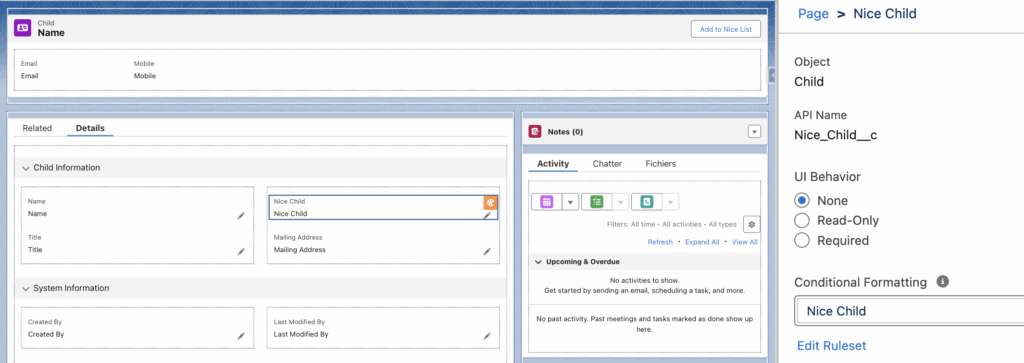
Next comes the fun part of this setup: Conditional Field Formatting, which lets us highlight the fact that a child is officially on the Nice List.
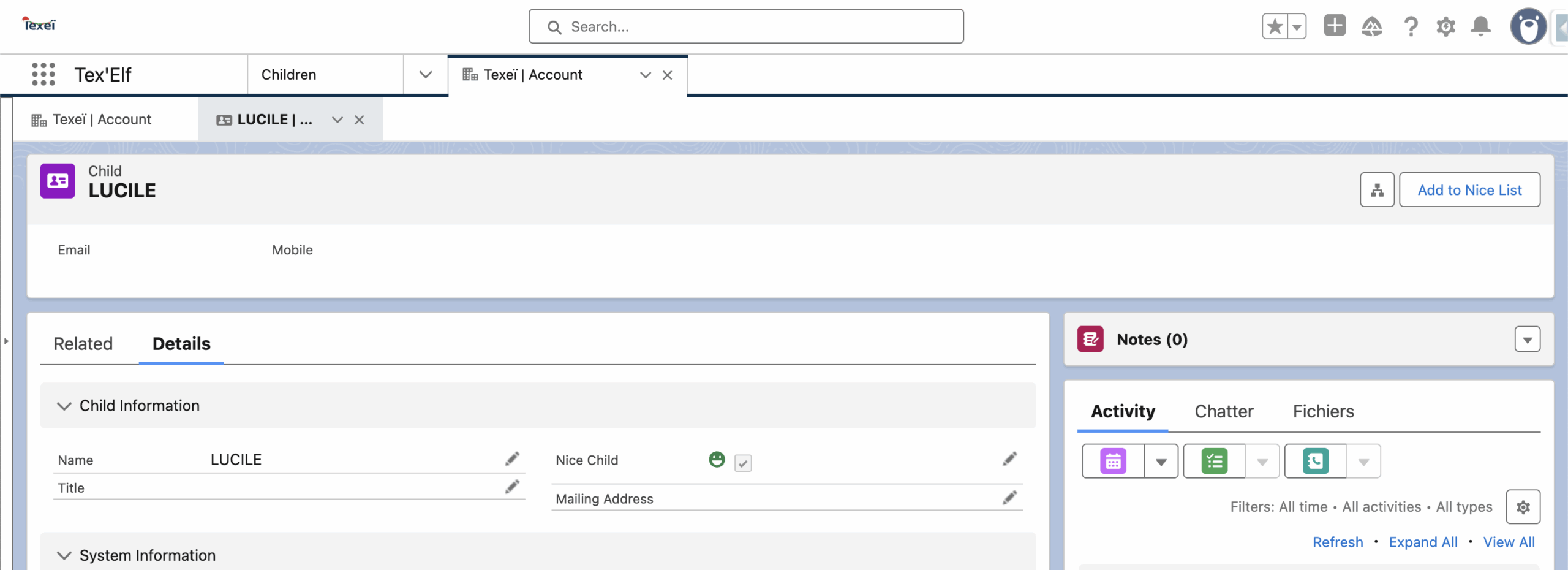
On the Flexipage configuration screen, when you select a field inside a Dynamic Form, you can create or assign a Conditional Formatting Ruleset. In our case, if the checkbox Nice Child = true, then we display the Nice Child icon.


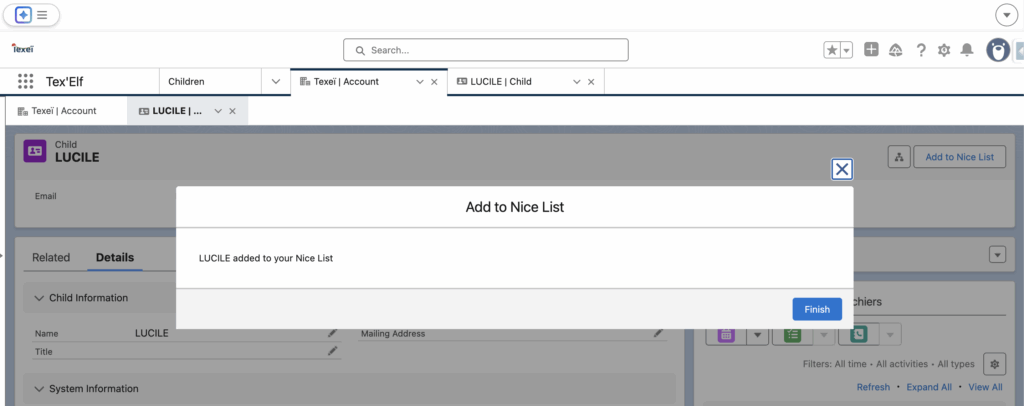
Let’s test it!

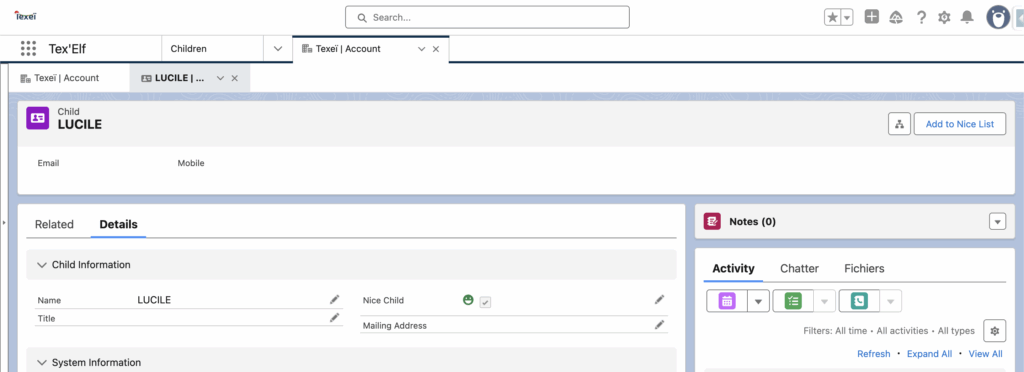
We can easily spot a Nice Child !
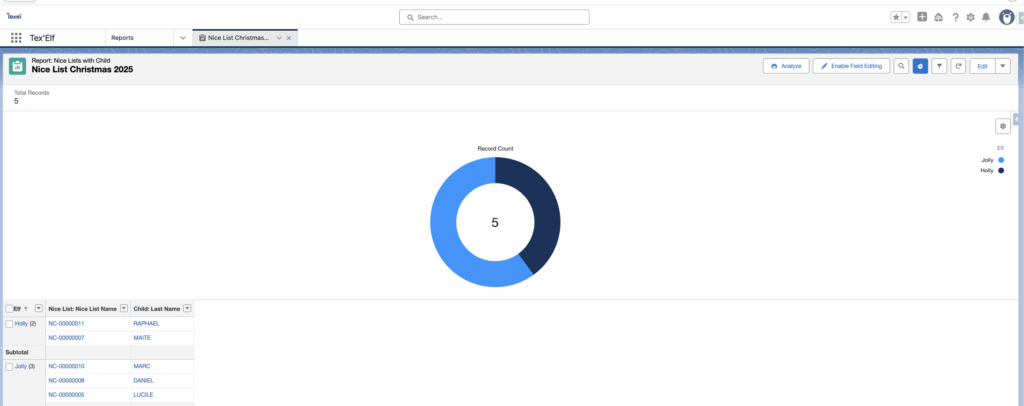
Finally, Santa needed an actual Nice List… which means, well, a real list. So the elves put together a report with extra care and Christmas sparkle.

It was a fun little journey inside Santa’s CRM. All that’s left for me now is to wish you a very Merry Christmas!
Source : Conditional Field Formatting | Winter ’25 Be Release Ready