

Introduction: Omnistudio?
For the 12th day of our Salesforce article advent calendar, today we're going to talk about Omnistudio.
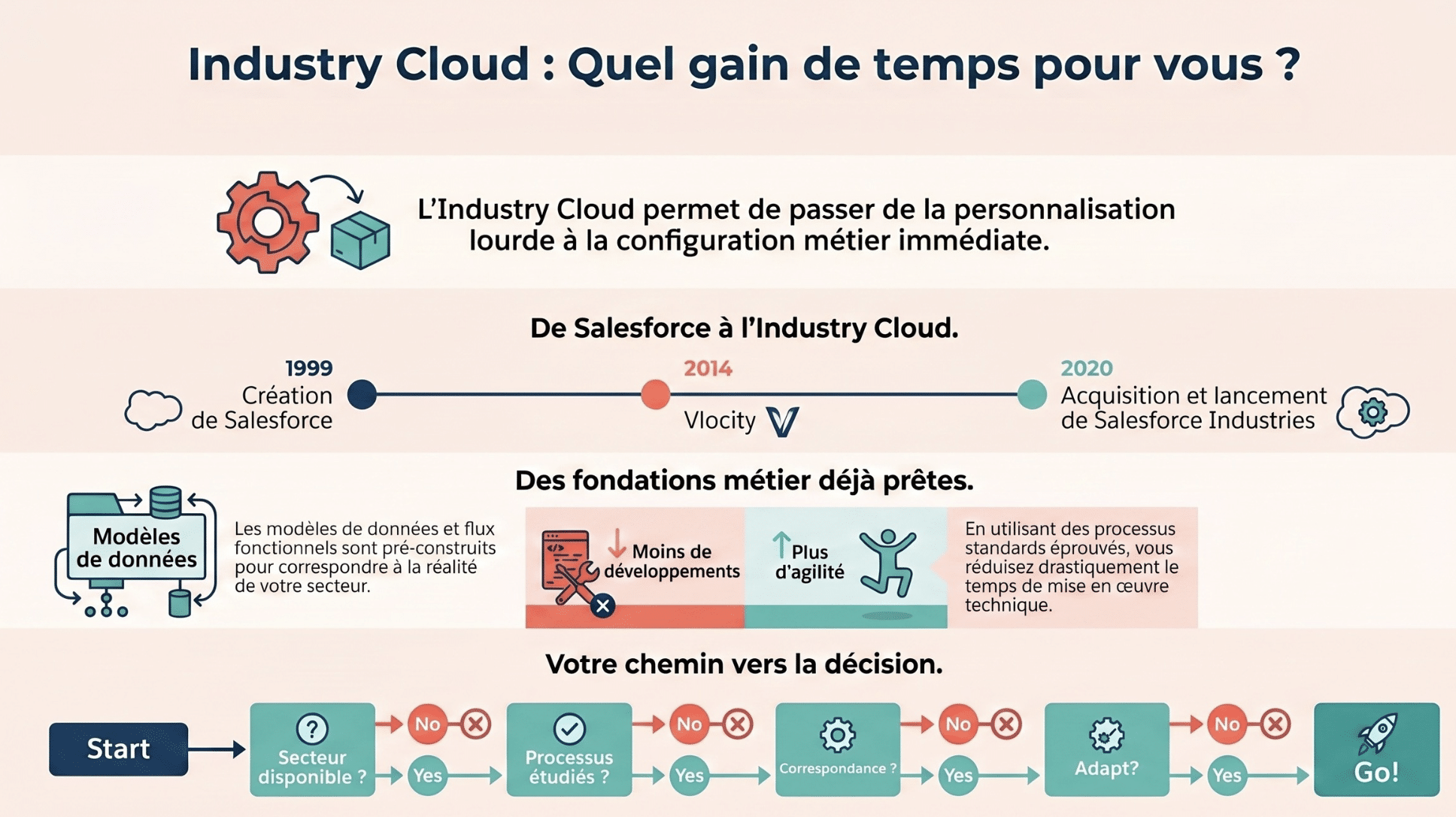
Omnistudio is a suite of features from Salesforce Industries, formerly VLocity. Its goal is to enable a customized digital experience, with advanced integration capabilities and simple point-and-click configuration.
In this article we will focus on the following features:
Digital Experience Layer
1. FlexCards
2. OmniScripts
Data Services Layer
3. DataRaptors
4. Integration Procedures
Focus 1: Digital Experience
1. Flexcards
FlexCards allow you to visualize unified and conceptualized data, for example from a record.
They come in the form of LWC components, 100% customizable without any need for code.

Here we have added two FlexCards to an Account registration page.
The first retrieves information from the account and allows a user to view it at a glance and perform actions, which are also customizable and contextual, including launching an OmniScript, the operation of which we will detail below.
More unusually, the second displays weather data for the account's location by making an API call.
As a teaser for the rest of this article, the display of this information is made possible by the data services that are DataRaptors and especially Integration Procedures offered by Omnistudio.
FlexCards are also fully customizable. You can add fields, actions, and other FlexCards to them.
Each component can be styled, for example according to a client's style guide, and this style can be saved in CSS and applied to other components and FlexCards.
It is also possible to condition their display based on reference data. For example, this weather FlexCard switches to "alert" format when the returned weather conditions meet the criterion Conditions = Heavy Snow:

To summarize, FlexCards :
- They enable the display of contextual data both internal and external to Salesforce using Omnistudio data services (no code required!)
- Allows actions to be performed
- They are 100% customizable
2. OmniScripts
OmniScripts represent a guided and interactive journey through business processes.
Similar to screen flows, which have undergone numerous evolutions in recent years, OmniScripts are distinguished by:
- A step-by-step guided journey
- Data flexibility identical to Flexcards

For example, the OmniScript above will allow a user, from a button, to:
- Retrieve account and contact (contextual)
- Retrieve weather data
- Display radio buttons to create branches
- Define errors
- Save the information entered in the previous steps to the contact
- Finally, take the user to a predefined page (such as a newly created record )
From a user's perspective, this provides an initial screen displaying the account's weather data, radio buttons, with choice 1 allowing access to step 2.
The steps are illustrated by the guided process on the right.


The strength of OmniScripts lies in their versatility. For example, an insurance advisor could automatically send a DocuSign contract to their client while simultaneously sending the information to their company's billing system.
Focus 2: Data Services
1. DataRaptors
DataRaptor tools allow you to retrieve, modify, and transform internal Salesforce data.
There are 4 of them, each meeting a specific need:

Obtaining data: an OmniScript calls a DataRaptor Extract to read data from Salesforce.
Example: An OmniScript needs to display data such as the account name and address in order to allow a user to view them.
Saving data: OmniScript then calls a DataRaptor Load (via an integration procedure) to modify the data in Salesforce.
Example: the account address is updated on the record.
DataRaptors are faster to create and simpler to maintain than Apex classes, and they do not require any code.
To configure a simple DataRaptor that retrieves information from an account:

Setting up account identification criteria. Here they are contextualized.

Data selection and mapping

Using preview mode to test the retrieved data
2. Integration Procedures
Integration Procedures are the lifeblood of Omnistudio's data services layer.
Omnistudio integration procedures are server-side declarative processes that perform multiple actions in a single server call.
Main features :
- High performance: server-side processing
- Flexibility: the ability to combine actions
- Declarative: ease of implementation
We can add that they greatly improve the performance of FlexCards and Omniscripts.
They can obtain data from various internal or external sources:

And they can serve as a data source for internal or external targets:

To take a look at their configuration, let's return to the example of the FlexCard weather forecast.

The configuration screen allows you to:
- Choose from the components and actions
- Structure them into a flow. The elements will be executed from top to bottom
- Configure each of the elements
Finally, let's zoom in on the block structure to see the actions performed by this procedure.

Our weather procedure performs 3 actions before allowing the weather to be displayed on the account's FlexCard:
- Retrieving account data (including location) using DataRaptor Extract
- Retrieving data via an API on a weather website with an HTTP action
- Sending data to the FlexCard with a response action
Once again, the range of possibilities is vast thanks to the variety of available actions and the freedom and simplicity of configuration. Integration Procedures can perform the actions of Apex classes, but always without code.
Conclusion
Omnistudio is a powerful layer on top of Salesforce Industries that allows you to perform actions and model complex business processes with amazing ease of implementation.
To go further and practice the features seen in this article (or even pass the certification), here is a Trailmix !
To visit the blog and browse the other articles in our advent calendar, click here !