

Display CMS Content in LWC for Experience Cloud without Apex
I recently had to enhance a custom LWC component for Experience Cloud by adding an image. One of the key requirements was that the image should not be hard-coded, but instead fully configurable, so that an administrator could easily update it without touching the code.
Fortunately, when building a component for Experience Cloud, the lightningCommunity__Default target provides a very useful property type specifically designed for this use case: a handy property type just for this, ContentReference.
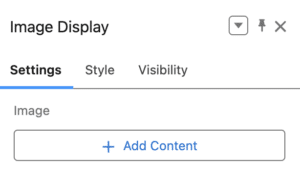
Rather than hosting the image yourself and manually managing its URL, you can simply upload the file to the appropriate related CMS Workspace. The admin can then select the content directly from Experience Builder.
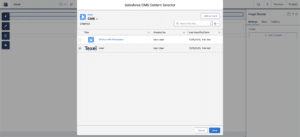
At this point, everything sounds straightforward. Salesforce even provides a documentation page titled « Display CMS Content in Experience Builder Sites« , so you would expect it to be easy to use that content in your HTML.
Except it isn’t.
The property will give you back a Content Id, but then how do you use it to get, for instance, the url of your image ? I couldn’t find much documentation about it. Looking at the following imageContentId property below and see how we can derive a usable URL from it.
First, there is a ConnectAPI ManagedContent Class that can help with that, but I didn’t want to go that way. I shouldn’t need Apex for that.
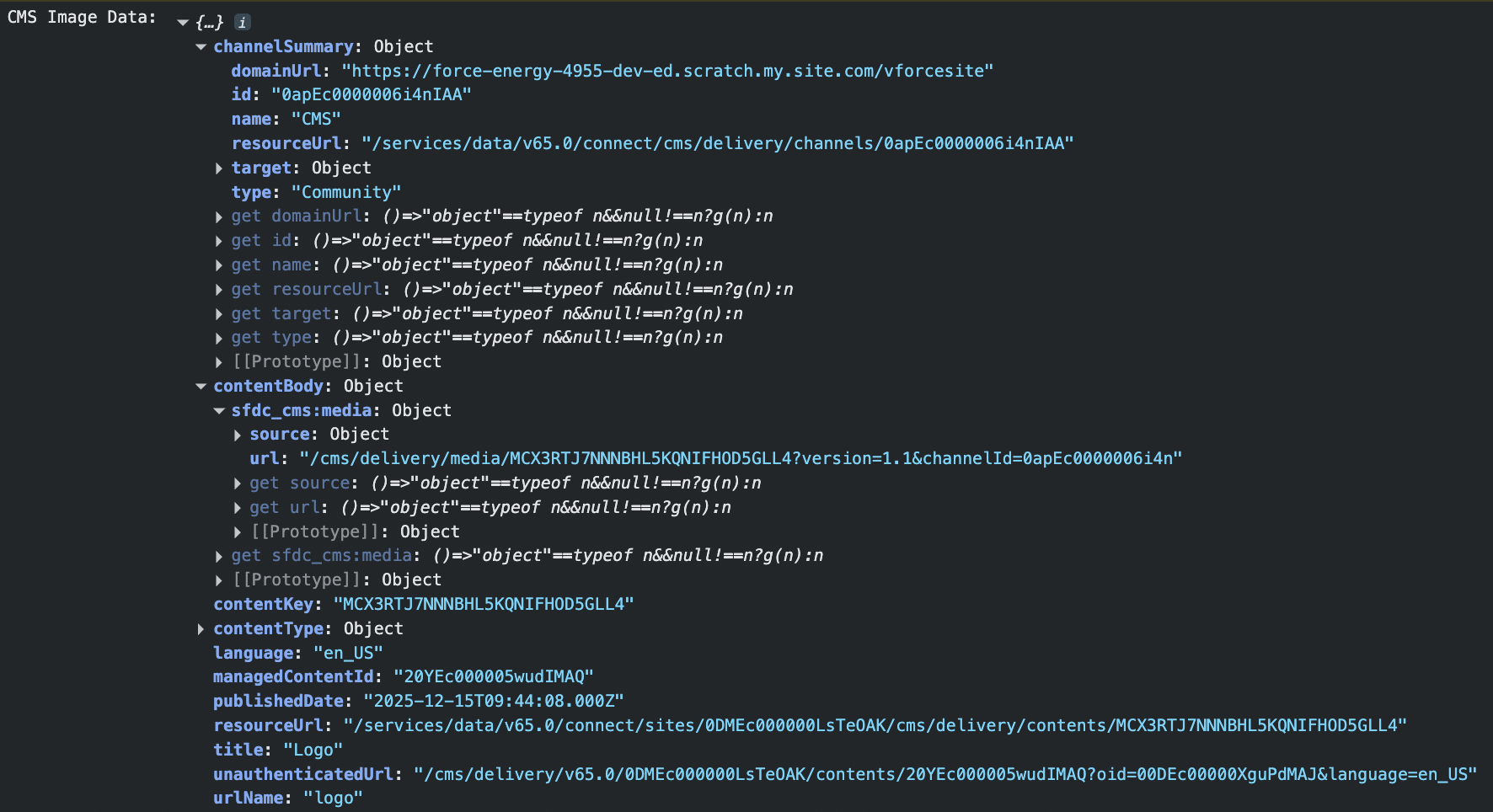
I got what I wanted in the experience/cmsDeliveryApi LWC API Module. From the Content Id coming from your ContentReference property you’ll be able to get a Managed Content Delivery Document as a response.
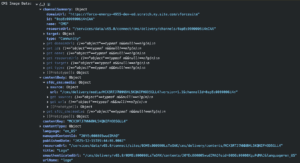
The documentation is not very explicit about which URL should be used from the response. After some testing, I found that the most reliable approach (working for both authenticated and unauthenticated users) is to combine the domainUrl and contentBody url.
I would definitely recommend testing with your use case to be sure it works perfectly, but then you should be able to use this to get the image url without any Apex needed !
It’s Christmas, so of course I’ll give you the complete code, enjoy !
If you’re working with Experience Cloud and LWC, I’d love to hear how you’re handling CMS content on your side.
If you have any questions, feel free to reach out to me on LinkedIn, or come chat with us at one of our Developer Group events.